
Short: a five-step sequence for moving from Sana 9.3 to Sana Commerce Cloud, starting with capturing the as-built while your 9.3 store is still running.
Read the full write-up: Sana 9.3 to Sana Commerce Cloud
This is a short cut from Sana Commerce Cloud: Moving from Sana 9.3, What Carries Over and How to Plan It (8:47).
More shorts from this video
 In Sana Commerce Cloud, the ERP does the math (0:34)
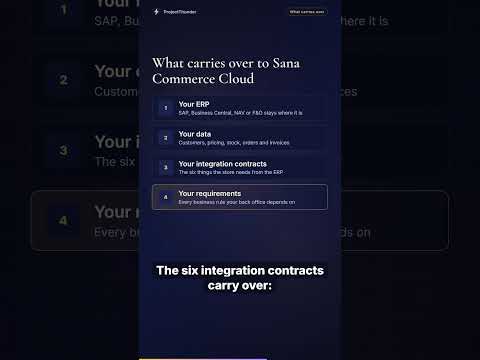 Moving to Sana Commerce Cloud: what carries over (0:38)
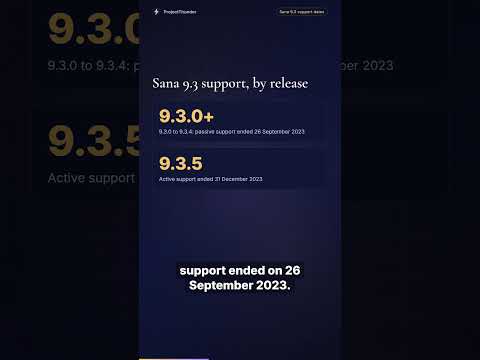 Sana 9.3 support dates, release by release (0:47)
 Why Sana Commerce Cloud is a new Sana product (0:45)
Transcript
First, capture the as-built while 9.3 is still running. If you only do one thing, do this, because the window closes when the old store goes dark. Second, classify each customization as keep, drop, or replace with a platform feature. A meaningful share of 9.3 customizations cover things Sana Commerce Cloud now handles natively. Third, confirm the six ERP contracts against the new connector before you commit to a front-end plan. Fourth, rebuild the front end starting with the highest-traffic templates, category and product pages. Fifth, run both stores in parallel with a real dealer group before cutover. A pilot group catches the rules nobody documented.
Narration is an AI voice (Azure). The facts come from the linked write-up.


